Bring your Chai chats to Morse
Every chat on Chai's website, with each bot's memory and greeting, saved in a few minutes from your own browser. Free on every plan.
Three steps.
A few minutes, from your own browser.
Save your chats from Chai
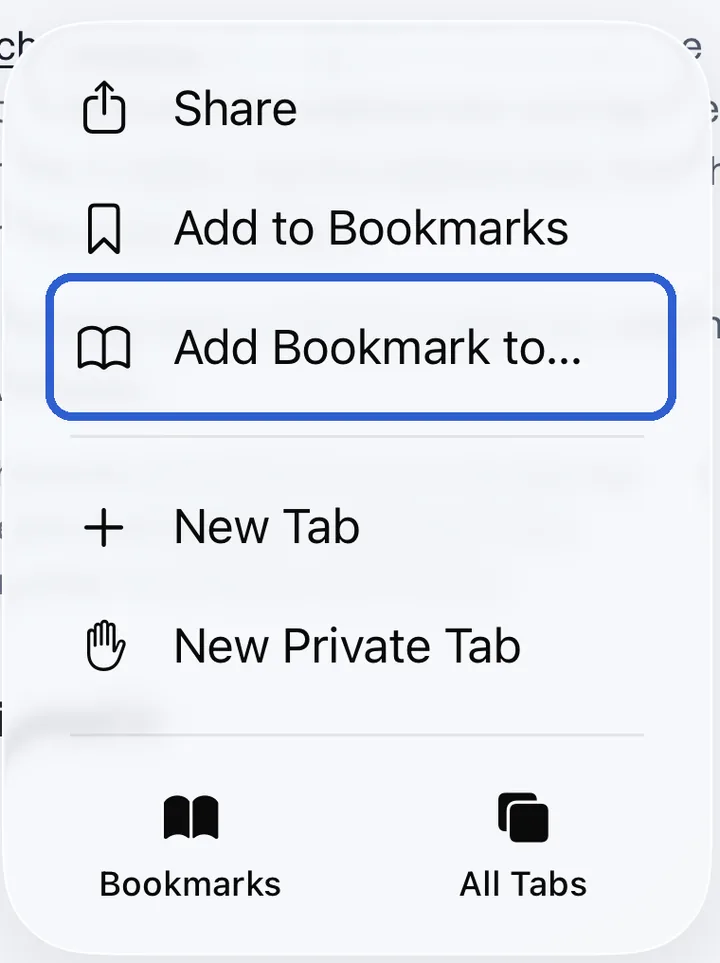
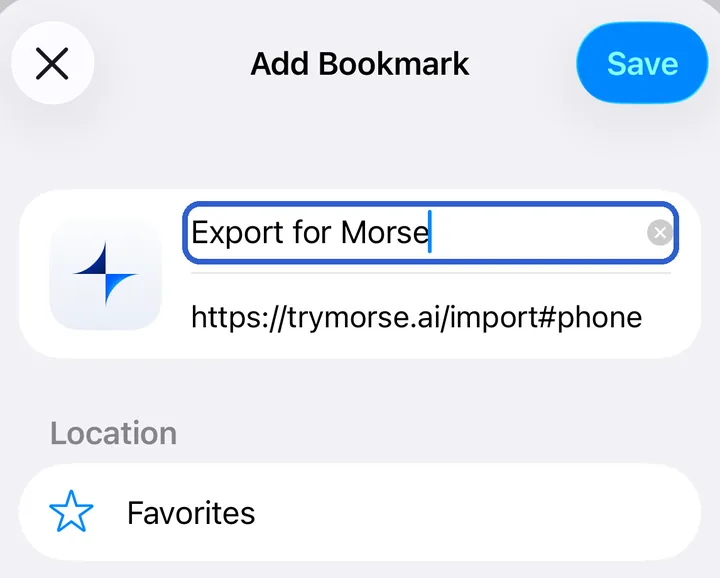
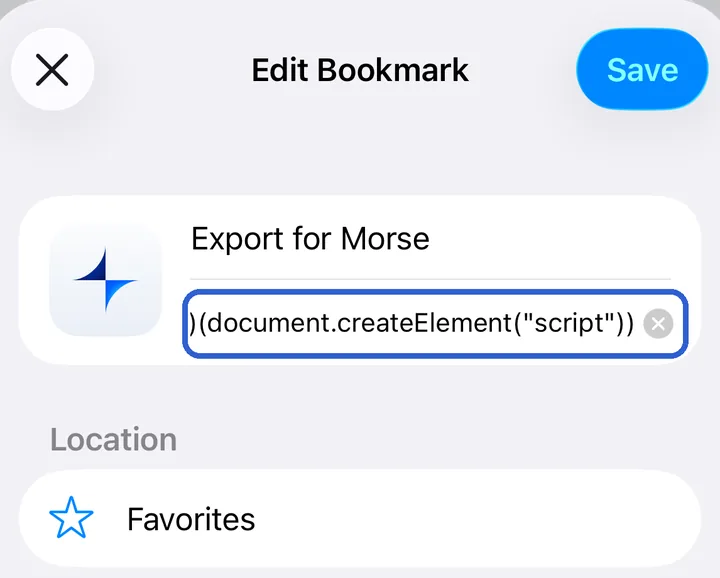
Drag this button to your bookmarks bar, then click it on chai-ai.com, signed in. It saves everything in a few minutes.
Don't see the bar? Press Ctrl+Shift+B, or Cmd+Shift+B on a Mac.
Your chats are on Chai's website too: sign in there with the account your app uses.
Make your free Morse account
With your email or Google. Your characters are free to chat with on every plan.
You're signed in
Import the file
Once you've signed up, import it here.
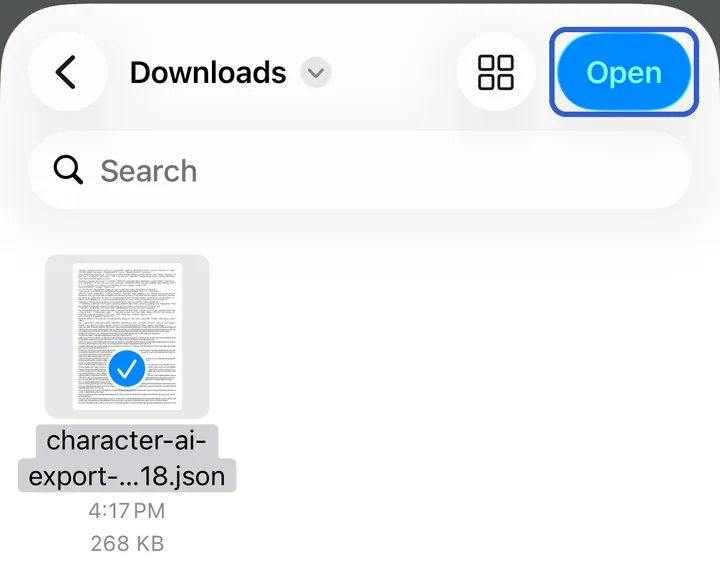
Import the file
Choose the file it downloaded.

What comes over.
From Chai.
Everything the site shows you, saved as it is and read here on your device.
Comes over
- Every chat on Chai's website, back to its first message.
- Each bot's memory, the words it plays from, and its greeting.
- Who made each bot.
- Your personas.
Stays behind
- Pictures: Chai keeps them where no other site can read them.
- Stories with several characters.
Is it safe?
Yours, start to finish.
Only in your browser. Our exporter runs with your own session on the site you're leaving, asks only that site for your data, and saves the file to your device, not to us. On a phone, the bookmark loads the script from our site each time it runs, and sends nothing back.
Free and open source. You don't need a Morse account to save your data. Read the script, or its source on GitHub.
Encrypted on your device. What you import stays on your device, encrypted with the rest of your chats. It only ever reads what the site shows you, so a definition its creator hid stays hidden.
Common questions.
Moving, step by step.
Rather paste the script than add a bookmark?
Copy it, open the browser's console on chai-ai.com (press F12, or Cmd+Option+J on a Mac, then pick Console), paste it, and press Enter. Chrome may ask you to type “allow pasting” first.
If the export stops partway
Run it again in the same browser: it goes on from where it stopped and saves the rest as a second file. Import the files together.
If something looks wrong, choose Copy a report when it's done and paste it in Morse under Settings, then Feedback. The report holds no chats, names, or ids, only what the site answered and how much was saved.
Moving from more than one place?
Import from each in turn, or all their files at once. Importing a file again later adds only what's new since.
Your characters, still yours.
Free on every plan, and kept encrypted on your device.